
Help Articles
Mode Of Payment
Mode Of Payment
The Mode of Payment stores the medium through which payments are made or received.
To access the Mode of Payment list, go to:
Home > Accounting > Settings > Mode of Payment
1. How to create a Mode of Payment
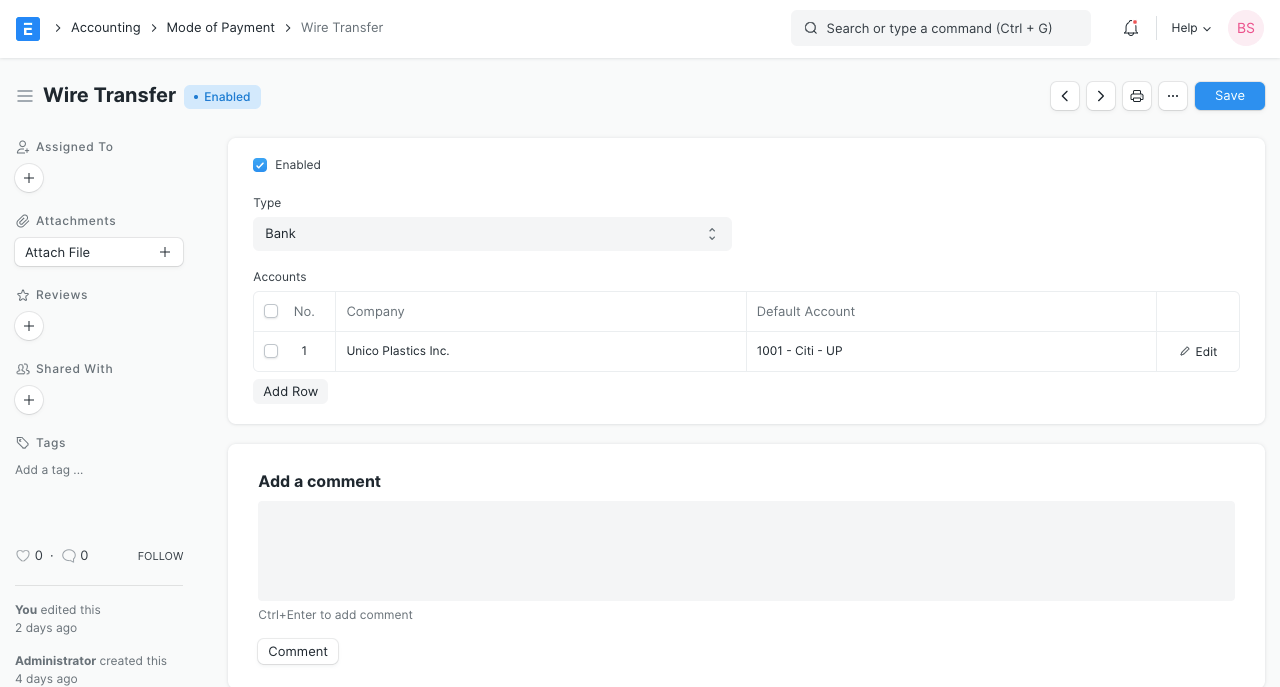
- Go to the Mode of Payment list and click on New.
- Enter a name for the Mode of Payment.
- Set a type whether Cash, Bank, or General. This is useful for knowing the mode of payment used in Point Of Sale (PoS).
- Set a default payment Account for all the companies.
- Save.
Tip : Setting the default Account will this account fetched into Payment Entries.
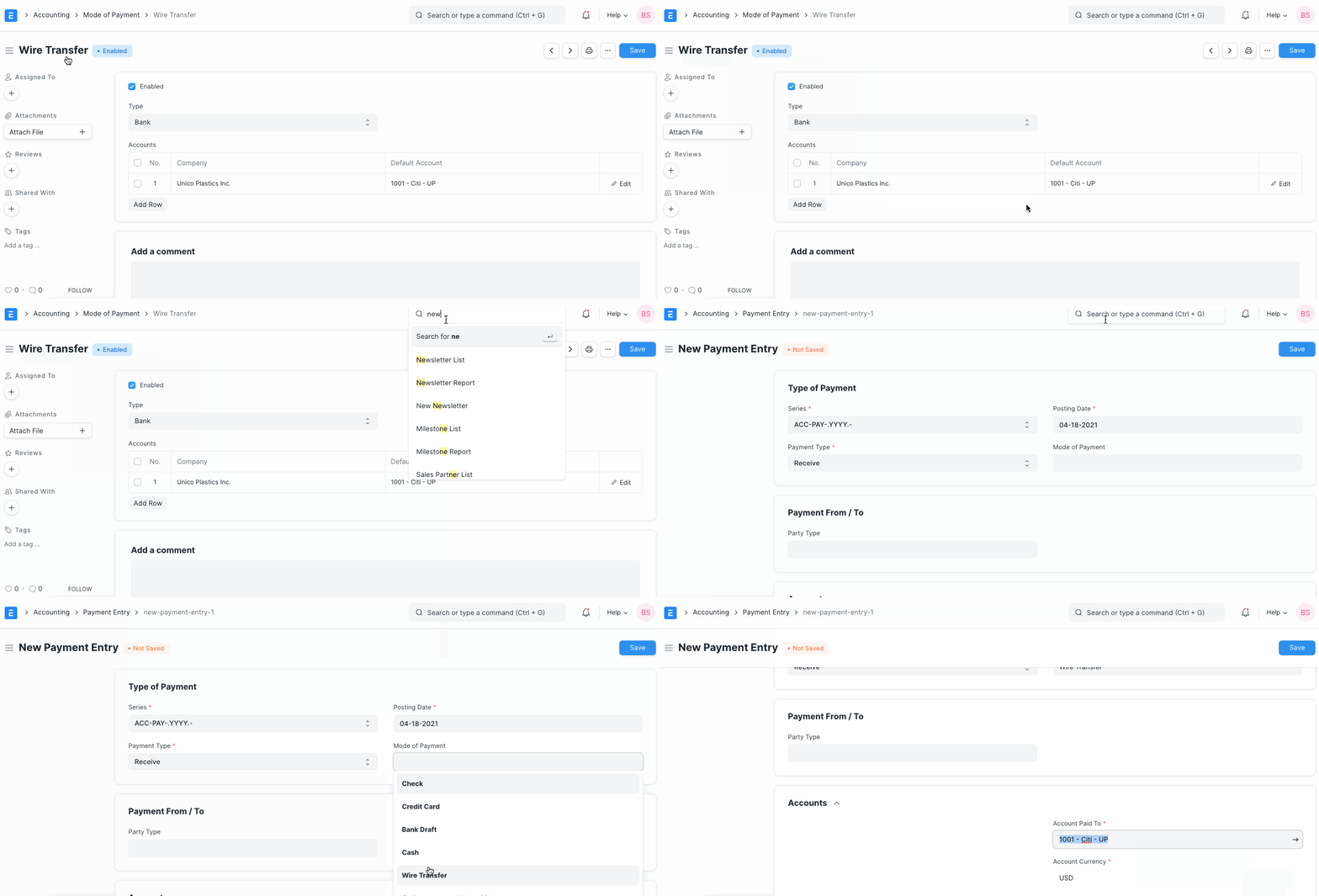
Note : When making Payment Entries, the default bank account will be fetched in the following order if set:
- Company form
- Mode of Payment default account
- Customer/Supplier default bank account
- Select manually in Payment Entry